

AI smart routing
Algorithms pick nodes dynamically and match the steadiest high-speed link.
One-tap global access | Smart route selection | Stay connected abroad
Download Now


Nodes across Europe, North America, Asia-Pacific, the Middle East and Africa are checked in real time, and the best route is suggested automatically.
 LondonFrankfurtNew YorkLos AngelesDubaiSingaporeTokyoSeoulSydneySão PauloJohannesburgMumbai
Smart routing keeps comparing latency and packet loss on every route and hands your traffic to the smoothest node, so research libraries, video calls and overseas news load without fuss.
Get started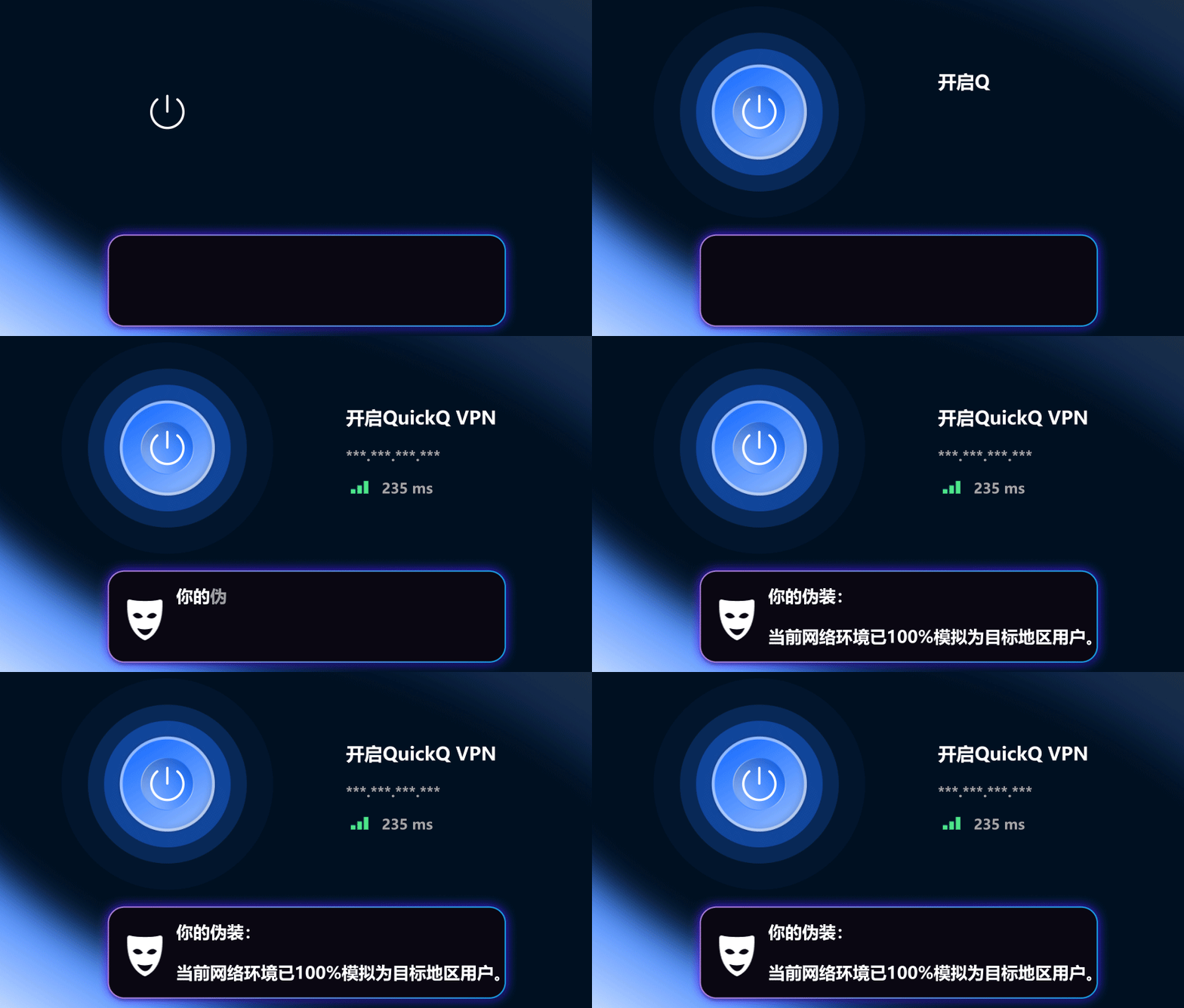
Dedicated game routes respond fast to every input.



Algorithms pick nodes dynamically and match the steadiest high-speed link.

A 7×12-hour support team answers setup and connection questions quickly.

We do not record user activity, protecting your privacy at the source.

Your real IP stays hidden and online tracking is reduced.

A separate premium IP pool lowers the risk of blacklisting.
PayPal, VISA, MasterCard, UnionPay and other major channels are supported.


“While expanding overseas, QuickQ's nodes stayed stable and reaching client databases and video meetings clearly improved.”
SophieCross-border operations lead“With a distributed team, file sync and meeting latency dropped noticeably. Recommended.”
MichaelEngineering lead“I often need overseas asset libraries. Speed holds even at peak hours and waiting time fell a lot.”
LEOSenior designer“International servers used to lag badly. With game mode on, ping dropped and disconnects are gone.”
AlexVeteran gamerWindows, macOS, iOS, Android and Linux. See the More Devices page for details.
One account can stay connected on several devices at the same time; the exact number depends on your plan.
No. We follow a zero-log policy, described in our Privacy Policy.
Install the app, sign in, pick the recommended route or a region, then tap connect.
Switch to the recommended route or another region first. If it persists, contact live support.